Passwords aren't the only time your iPhone can leave you wondering..."What am I supposed to do now?"
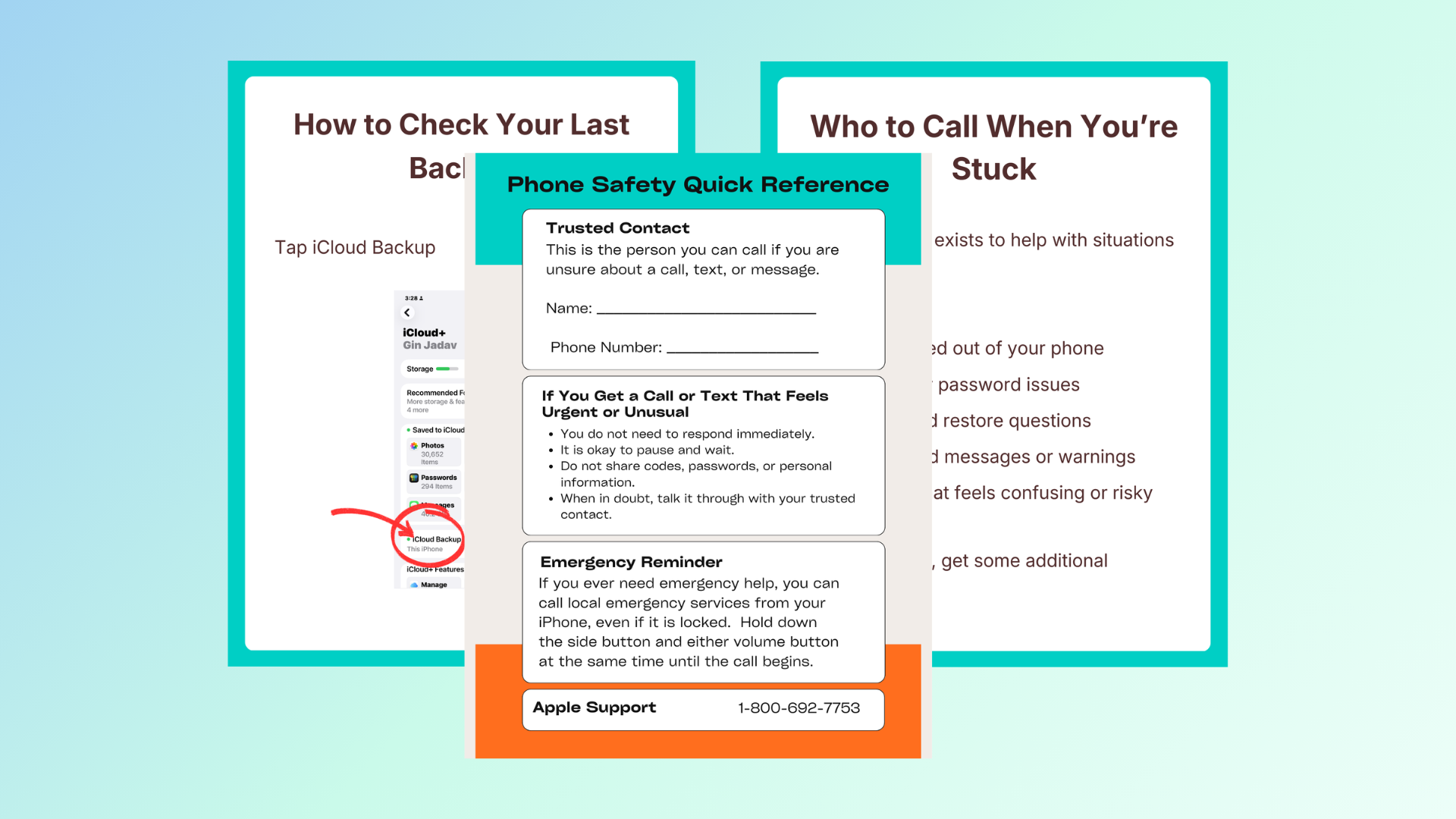
Sooner or later, something unexpected is going to happen on your iPhone.
A text doesn't feel right.
A phone call seems suspicious.
Something on your iPhone suddenly looks different.
And in that moment...
You don't have time to Google.
You don't want to guess.
And you definitely don't want to make things worse by tapping the wrong thing.
Think of this as your iPhone emergency backup plan.
You'll get simple, printable emergency action guides that walk you through exactly what to do when:
✔ A call, text, or email feels suspicious.
✔ Something on your iPhone suddenly doesn't look right.
✔ You're worried you may have clicked something you shouldn't have.
✔ You think someone may have gotten into one of your accounts.
✔ You need to know the safest first step before doing anything else.
No technical jargon.
No searching YouTube.
No trying to remember what you learned six months ago.
Just easy to follow steps.
Exactly what to do & how to start.
Because the worst time to make a plan is after something has already gone wrong.
When you're stressed, you second-guess everything.
The Safety Net gives you a plan before you ever need one.
Print it.
Put it in a binder.
Keep it nearby.
Reach for it whenever something doesn't feel right.
Instead of panicking...
You'll already know exactly what to do.
When something feels wrong, you won't waste time searching for answers... you'll already have the step-by-step plan within reach.
Add the "When Something Goes Wrong" Safety Net today for just $47 by clicking the button below