Never Lose What's on Your iPhone
Your photos, your contacts, all the important things. Safe and recoverable, no matter what happens to your phone.
Think about what lives on your phone right now. Your photos. Years of phone numbers. A voicemail you've saved and can never get back.
It all sits on one device.
A device that can break, go missing, or die with no warning.
Do you know what is actually backed up on your phone right now?
Most people tell themselves it is all in the cloud.
They trust that Apple has it handled.
But oftentimes that's not true.
And the day your iPhone is gone is the worst time to find out.
This short course makes sure that you are prepared when that day comes and you don't lose a thing. Not with a pile of settings to figure out, but with one plan built to run on its own.
Set it up once.
You'll never worry about it again.
So if you wake up tomorrow and your phone won't turn on, you haven't lost anything that matters.
Snag it today for just $147
What You Get
Bite-size video lessons that walk you through the exact setup so that all your important things are backed up safely. No guessing about what to protect first or what to skip. In under an hour, you'll know exactly what is backed up and where to find it when you need it.
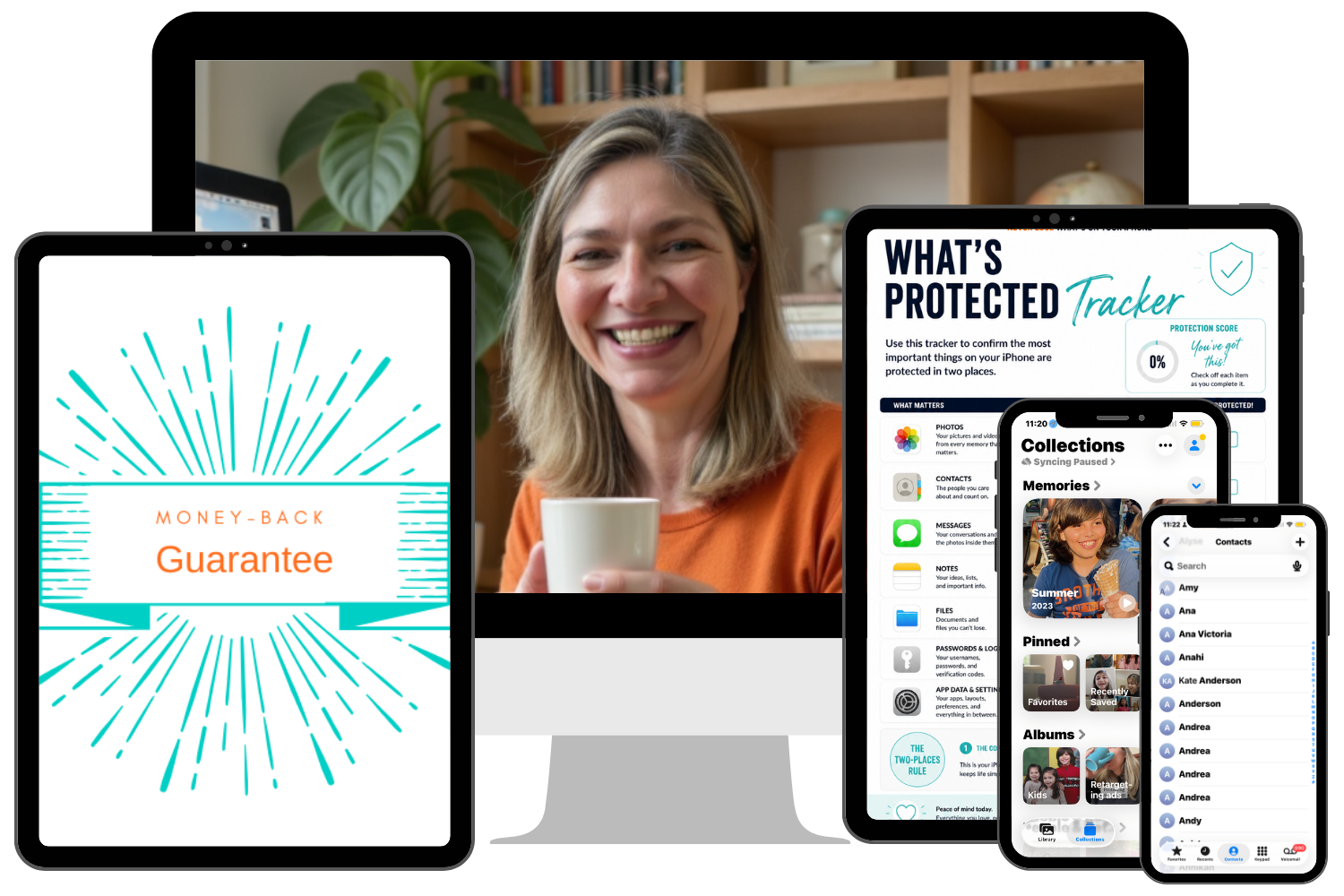
The What's Protected Tracker. Your done-for-you, printable snapshot of what is backed up and where. See your digital life at a glance. Never wonder again whether something that matters is actually safe.
The one rule the whole course is built on. Anything you would cry to lose, we make sure it lives in two places, and one of them does not vanish when your phone does. Once you know it, you can protect anything new you add to your phone in seconds.
My personal strategy. The free workarounds to avoid paying for iCloud storage.
The Backup Playbook. Your complete printable guide for all the strategies we cover, even the ones Apple doesn't want you to know about. Keep it open as you go through the lessons. Come back to it any time you want to check something.
The New Phone Recovery Checklist. When you get a new phone, you'll have the exact steps to follow to set it up in no time.